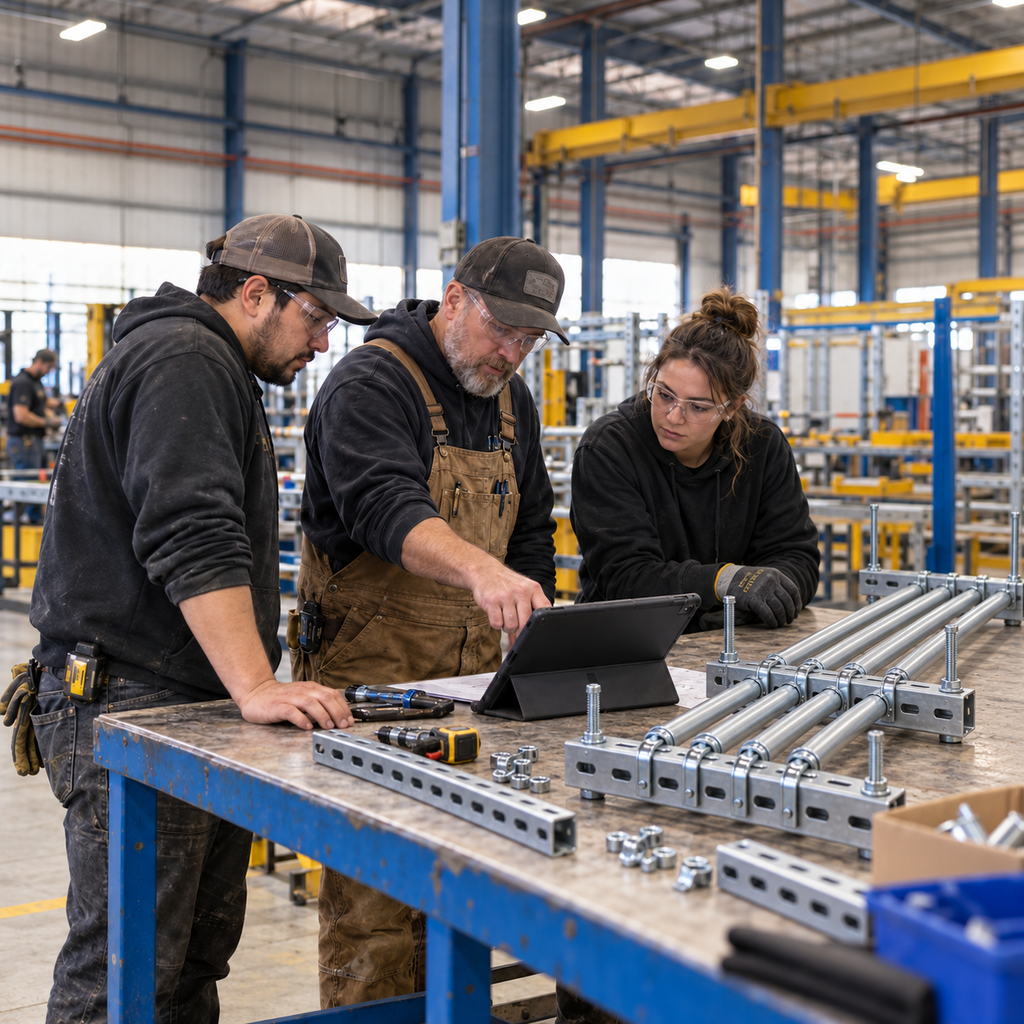
The field needs an order by Friday. Detailing is waiting on an answer, the shop has other work promised and your foreman knows the assembly station is already full.
Before you can confirm the date, someone has to work out what is ready, who can build it and what else would need to move. Then the crew needs a current plan to follow, and the project team needs to know what changed.
A Manufacturing Execution System connects that planning decision to the work happening on the floor. It helps teams manage production execution, including work orders, progress and quality records. For a prefab shop, it needs to fit work that changes from project to project and still has to reach the field in the right order.
Building Swell is a Manufacturing Execution System built for prefab. It gives design, shop and field teams a shared place to plan, build and track the work. Your crew uses it to carry out the plan, while shop managers and manufacturing directors use the same information to make the next decision.
Give the shop a system it can use throughout the day
Your finance team needs costs, purchasing records and financial controls. Your foreman needs to know which work can start, which drawing goes with it and what is holding up the next job.
An enterprise resource planning system may include manufacturing functions. The practical question is whether the people running your shop can use them to manage the work, or whether they still need separate sheets, whiteboards and conversations to fill the gaps.
A shop execution system should put those daily tasks together. Plan the route, assign the work, make the information available and record what happens as the crew builds. That gives the next shift and the next department something current to work from.
Plan around how your prefab work gets built
Different assemblies take different paths through the shop. One job may need cutting, bending and assembly. Another may need a different sequence, more labor or an inspection before it can move on.
Building Swell uses routes to reflect those steps. You can plan the work toward the required site date and see it alongside commitments to other projects.
That shared view matters when two jobs need the same crew or station. The shop manager needs to work through the conflict, and the manufacturing director needs to understand what it means for the dates the business has promised.
Work through a rush request before promising the date
Suppose a new order needs to go ahead of work already scheduled. You need to see what fits and what changes if you accept it.
In Building Swell, you can move work and see the affected schedule recalculate. Capacity planning and the simulator help you compare paths against the constraints in your plan. Review whether moving existing work makes room, whether another sequence works and which delivery commitments change under each option.
The result is a decision the team can discuss. You can explain what it takes to hit the new date and agree on the tradeoffs before the crew starts rearranging the work.
Keep tracking once the work starts
The schedule is one part of running the shop. As work progresses, teams need to record what is complete, what passed inspection and how much labor the job used. Material information helps the planner and crew discuss what is ready and what still needs attention.
Building Swell brings production tracking, quality and labor records together with the plan. Shop leaders can review actual progress and use it when deciding what comes next. A recurring delay or an assembly that takes longer than expected can inform the next route or estimate.
One team building varied electrical assemblies describes moving from parallel trackers and whiteboards into Building Swell. Managers, planners and quality teams worked from shared views, reducing duplicate entry and conflicting information. Read the electrical prefab story for that team's experience.
Connect the work to finance and payroll
Building Swell is the system the shop team uses to run the work, and it can connect with finance and payroll systems. Agree which job identifiers, labor records and other information need to move between them, along with who maintains each record.
The connection should serve both teams: the shop can manage production, and finance or payroll can receive the records it needs. Confirm the available transfer method and setup for the systems your company uses.